
Create seating plans and sell reserved seats
Your guests pick their own seats.
Create your seating plan once with rows, tables and standing areas. In the shop and the widget, everyone picks their own seat, live and without double bookings.
Included in every plan. No extra charge for seating plans.
Draw it once. With templates for theater, rows, banquet and club. Then you use the plan for every event at that venue.
Live in the shop and widget. Buyers tap their seat. When someone goes to checkout, we hold the seats for them.
The seat on the ticket. “Center · Row C, seat 14” appears on the ticket and in the order, in the buyer’s language.
Your guests pay with, depending on your payment account
 Visa
Visa Mastercard
 Apple Pay
 Google Pay
 PayPal
 Klarna
 iDEAL
iDEAL TWINT
TWINT BLIK
BLIK Bancontact
 EPS
EPS Przelewy24
 Bank transfer
01Everything for your venue
Everything a seating plan should do.
Templates for every venue
Theater, rows, banquet or club: start with a template and change it however you like. Balconies and tiers get their own levels, and one venue can have several seating layouts.
Categories and prices
Split the venue into price zones and link each category to ticket types like Regular and Reduced. You don’t need a quota.
Tables and standing areas
Round and rectangular tables with up to 30 seats, standing areas with a fixed capacity. A stage and labels help everyone find their way.
Occupancy per date
Sold, reserved, blocked and available at a glance. Click a sold seat to see who bought it.
Block seats
For tech, wheelchairs or press: select the seats, add a note, done. Releasing them is just as quick.
Fixed seats for season tickets
Subscribers sit in their own seat at every date. The waitlist picks freed-up seats next to each other whenever it can.

02AI assistant
Describe your venue in one sentence.
TickySmart creates the plan.
Seating, areas and prices in your own words. Categories and ticket types are then ready, you just check them.
Set up the seating plan for the Main Hall: theater template, center orchestra €39, side orchestra €29, balcony €19.
03Made for
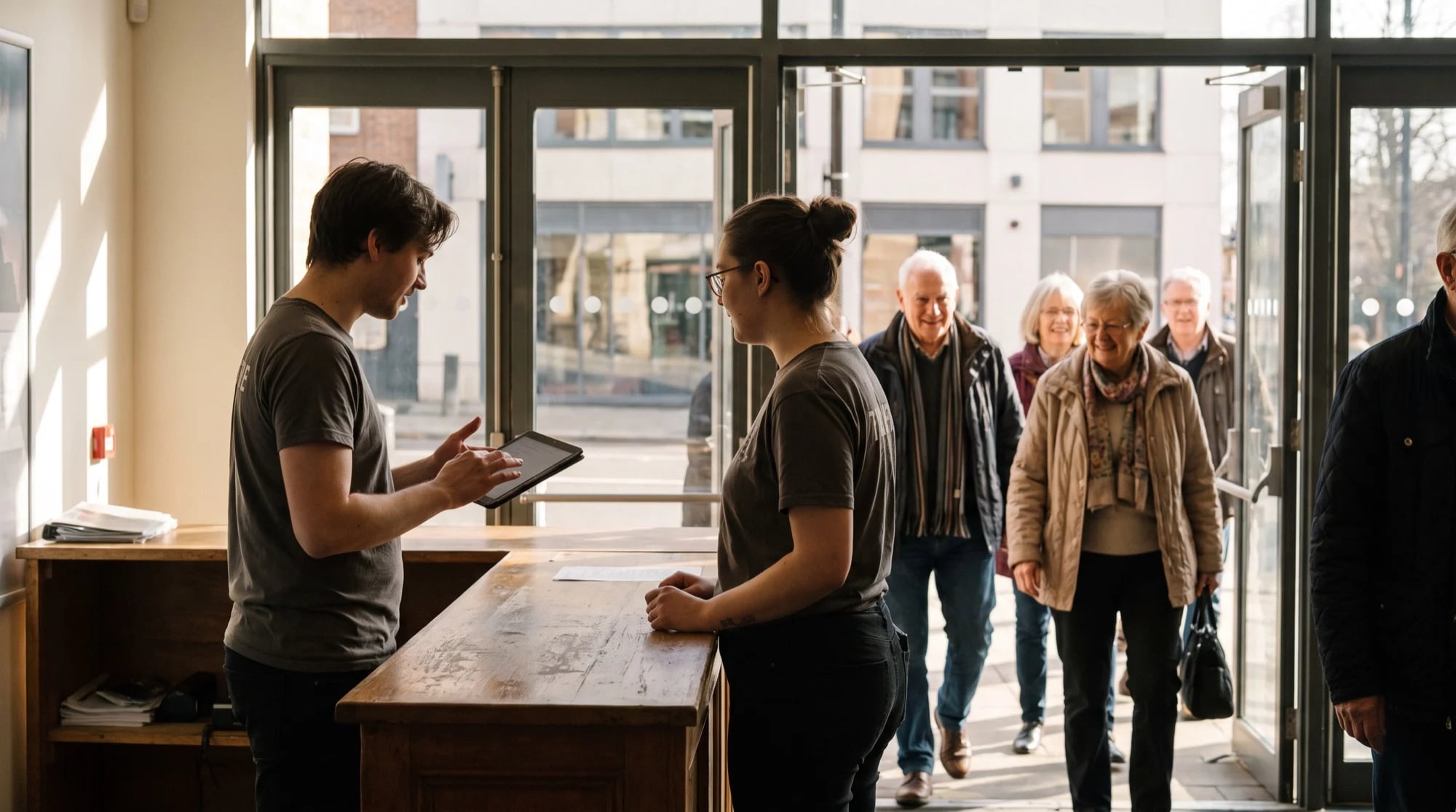
For every venue you want to fill.



04Pricing
From €0.18 per ticket.
No percentage of the price.
All features are included in every plan, seating plans too. You set the booking fee yourself, and you keep it.
- All features in every plan
- Credits work for all your events
- No fee on drink tokens and merch
- 50 free credits to get started
Ticket money goes straight to you.
Buyers pay through your own Stripe, Mollie or PayPal account. If a ticket costs €20 plus a €1 booking fee, €21 lands with you, minus your payment provider’s fee.
Our fee is a fixed amount.
No share of the price: a ticket for €8 costs you exactly as much with us as one for €80. We bill separately from your ticket money.
The more credits you buy, the cheaper they get.
The price depends on how many you buy at once, from €0.25 for 100 credits down to €0.18 from 25,000. Unused credits stay for your next event.
Keeps running, even when everyone shows up at once.
TickySmart is built for the rush when sales open and runs on its own servers in German data centers, monitored around the clock. Developed in Germany.




05FAQ
Questions about seating plans
Does editing a plan change seats that are already sold?
No. Every event works with its own copy of the plan. You decide when to apply changes from the venue to an event, and sold seats stay where they are.
Can I mix seated and standing areas in a seating plan?
Yes. Standing areas in the plan have a capacity, and ticket types without a category sell a quantity instead of a seat.
Does it work with balconies or several floors?
Yes. Split the plan into up to twelve levels, such as the stalls, first balcony and second balcony. In the shop, buyers switch between levels and see where seats are still free. The level is shown on the ticket too.
What happens if two buyers want the same seat?
As soon as someone goes to checkout, we hold their seats. If someone else was faster, we take the seat out of the selection and let the buyer know.
Can I sell season tickets with fixed seats?
Yes. The season ticket and the events use the same seating plan, so the seat applies at every date. When rebooking, each ticket keeps its seat.
How big can a seating plan be?
Up to 25,000 seats and 500 elements, with blocks of up to 100 rows of 200 seats each. You can have up to 40 categories per plan.